§ 00 · In six frames
The whole app, at a glance.
SWIPE →


iPhone · iPad · Mac · One purchase
Take the bounce out of clips you shot walking, dancing, or just trying to keep up. Video Stabilizer Pro smooths it out in seconds — right on your device. No upload, no account, no subscription.
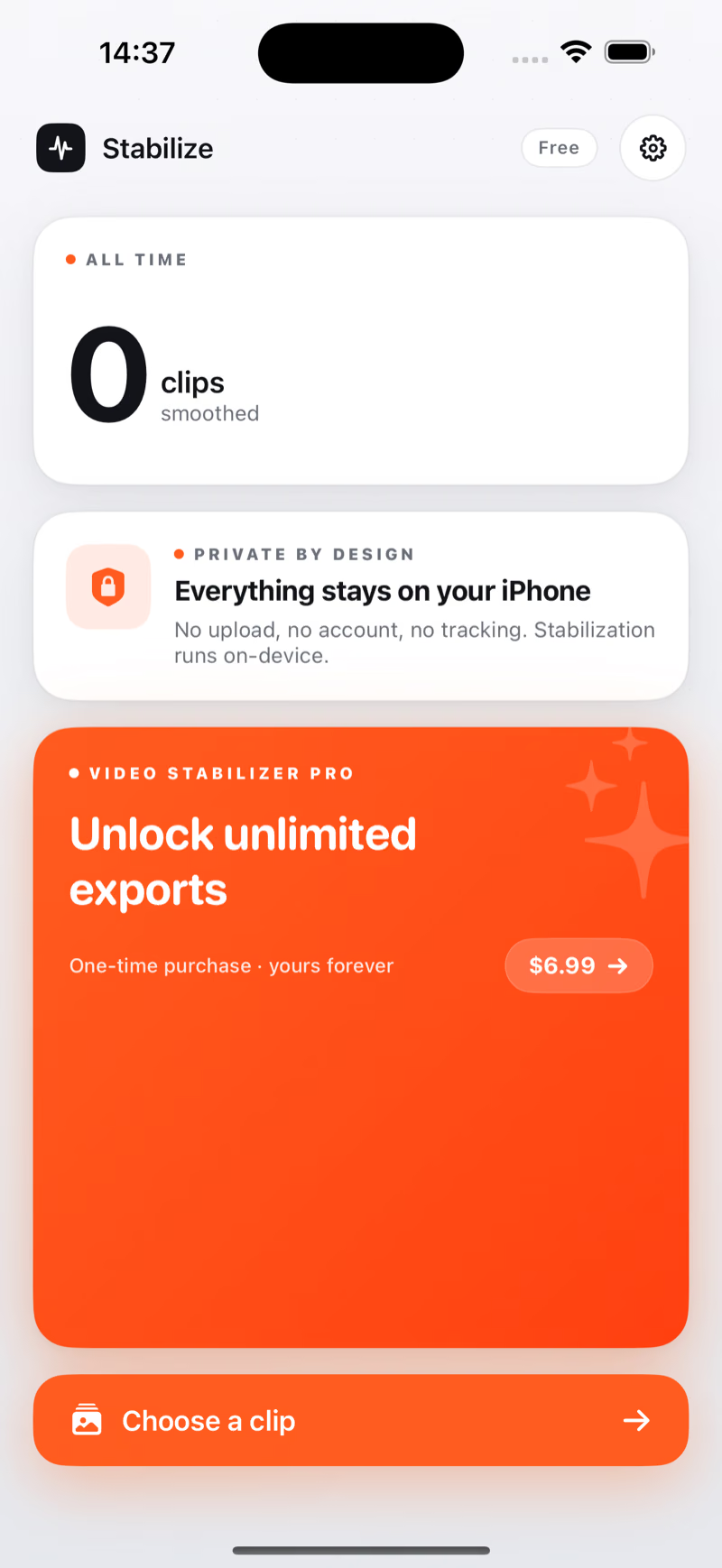
Choose from your camera roll, drop a file in, or paste a video straight into the app. Works with anything your phone or camera shot — including HDR and Dolby Vision.
One dial, from Subtle to Cinematic. Subtle keeps the energy of a handheld walk. Cinematic smooths it like it was shot on a gimbal.
Drop it straight into Photos, or share to Instagram, TikTok, iMessage, anywhere. Audio comes along untouched, quality stays put.

Before and After play at the same time, on the same frame. Switch between them and you'll see the cut you might post — and the one your hand actually shot. Drag along the bar to land on a specific moment and judge the difference yourself.


We didn't want to ask you to trust us with your footage — so we didn't ask at all. Video Stabilizer Pro works whether you're online or not. The clip you pick stays right where you found it, and the version you saved goes wherever you put it. That's the whole loop.
Subtle keeps a hand-held feel, like you're walking through a city. Balanced steadies it for talking-head shots. Steady is what most clips want. Cinematic goes all the way to gimbal-smooth — slow hand sway included — at the cost of a slightly tighter crop.
Pricing
Your first three exports are free — full quality, with a Video Stabilizer Pro watermark and no time limit. Stabilize and preview without a watermark as much as you like. After three exports, one purchase unlocks unlimited clean exports forever: no subscription.
Yes — Video Stabilizer Pro doesn't need the internet. Plane, hike, basement, holiday cabin: it all works the same. Your clip stays on your device the whole time.
Most handheld clips — anything up to about 90 seconds — are quick. Longer clips work too; they just take longer to crunch through.
Audio comes along for the ride, completely untouched. Voiceovers, music, ambient sound — all kept at the original quality.
Both are preserved. If you shot the clip in HDR on an iPhone, the stabilized version stays HDR.
iPhone, iPad, and Mac — anything on iOS 17, iPadOS 17, or macOS 14 and later. One purchase covers all three.
It steadies the whole handheld bounce — up-down, side-to-side, the roll of your wrist, and the zoom wobble of a walking shot. What it can't undo is parallax from things right next to the lens, or rolling-shutter skew. For screen recordings or animated content where there isn't real camera motion, Video Stabilizer Pro is smart enough to leave the clip alone rather than mangling it.
Read the full guide: how to fix shaky video, every option compared Free and paid tools, what a stabilizer actually does, and what none of them can fix.